Excel add-in
Moby in Excel
Moby reads your documents, fills your tables and keeps every value linked to the page it came from. You review in the workbook, one click away from the source.
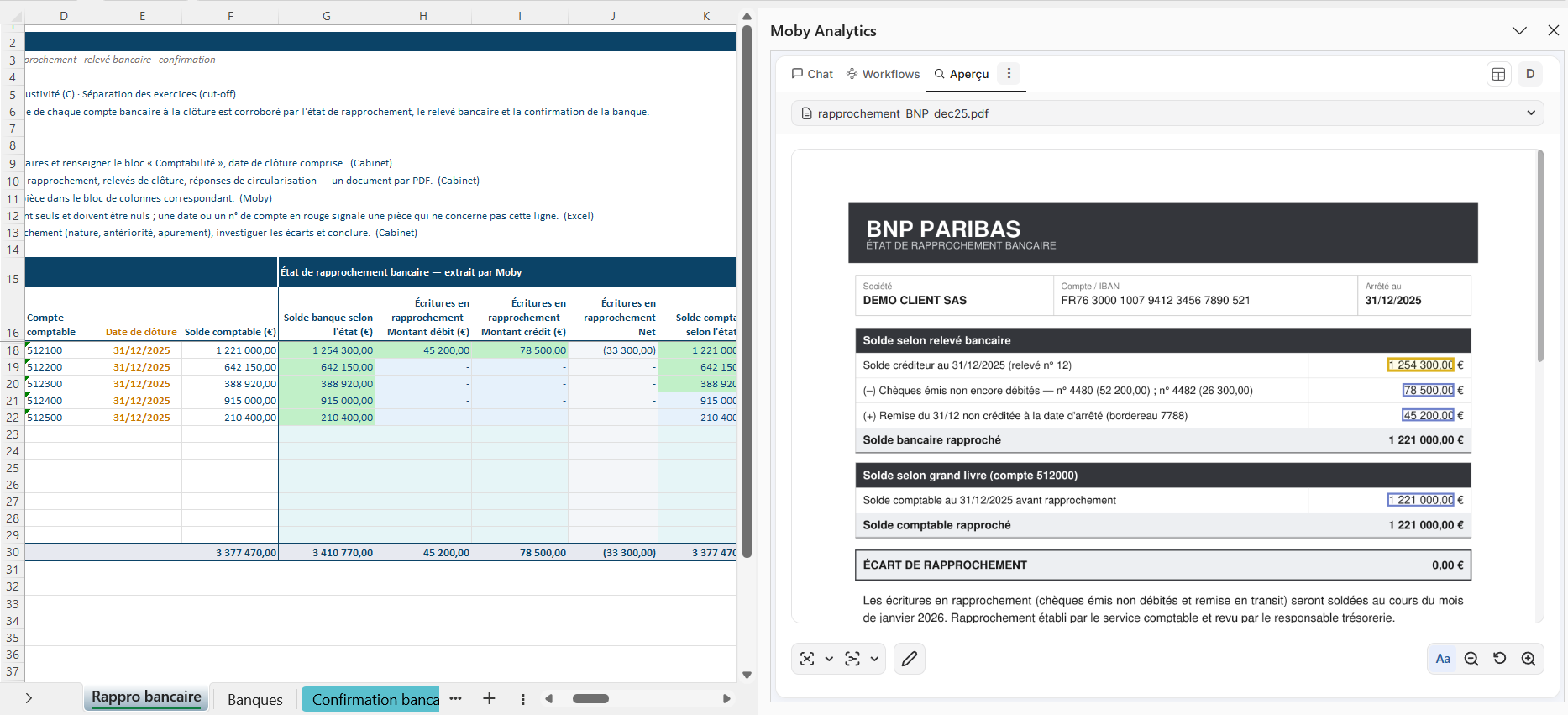
Where to start
Install and sign in
Add Moby to Excel and open it for the first time.
Your first diveFour exercises with sample documents, twenty minutes.
WorkflowsWhat each workflow does and when to use it.
Build a good tableThe rules that make an extraction reliable.
Review and correctSee the source of a value and fix it by hand.
TroubleshootingThe common problems and their fix.
Three ways to work
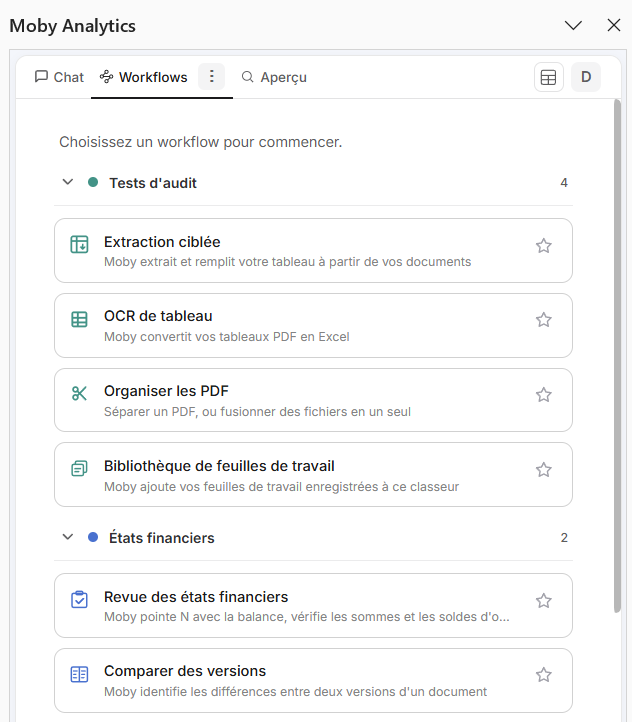
Workflows: packaged routines, one tile each.
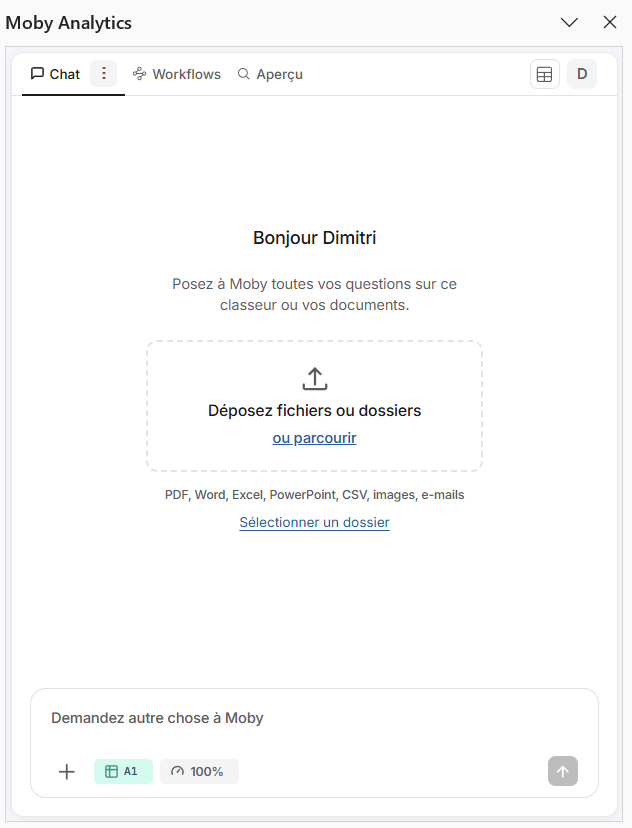
Chat: the agent reads the workbook and your documents.
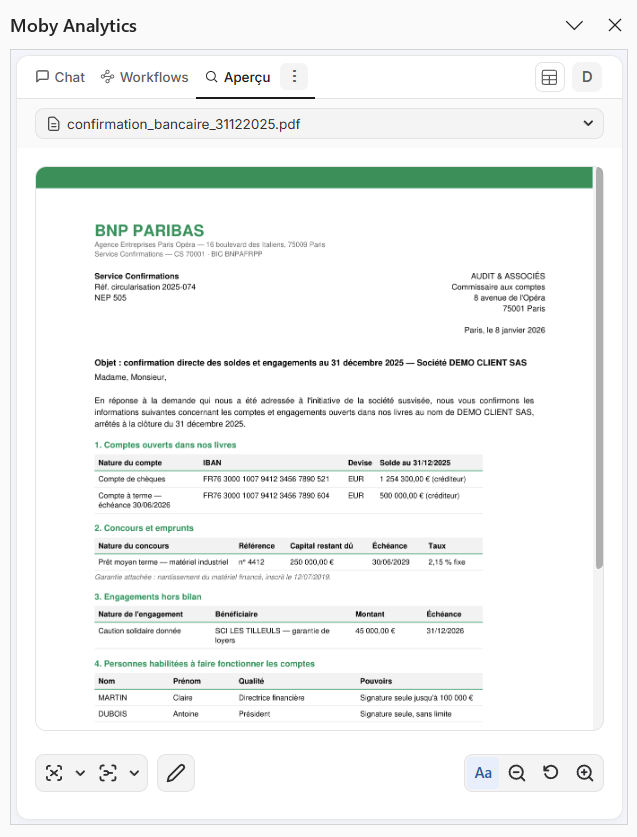
Preview: the source page of a value, to check and correct.
| Mode | What it is | Use it for |
|---|---|---|
| Workflows | Packaged routines launched from the Workflows tab or by typing / in the chat. The same input gives the same result | Volume and repetition: extract values from many documents, convert a PDF table, split a PDF, tie out statements |
| Agent (the Chat tab) | Reads the workbook and the attached documents, writes cells and formulas, builds charts and PivotTables | Calculations, transformations, writing a conclusion, questions on a few documents |
| Manual gestures (the Preview tab) | Click a value to see its source page; correct, annotate, download | Reviewing what the AI produced, value by value |
When a task fits a workflow, use the workflow: it costs less and it is reproducible. See Workflows overview.
Need help?
| You want | Do this |
|---|---|
| An answer about Moby | Type /help in the chat, followed by your question |
| To report a problem | Type /support in the chat: the support form opens and sends the context with your message |
| To write to us | contact@mobyanalytics.com |